
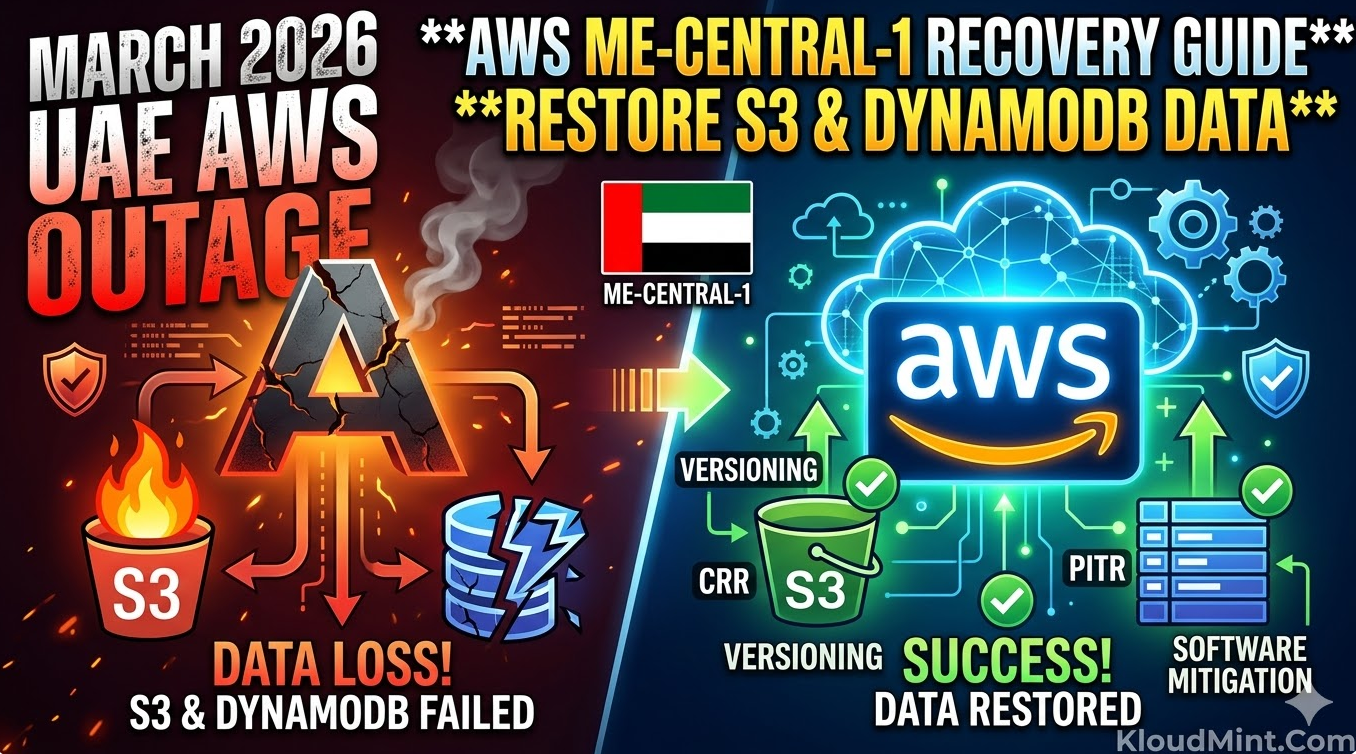
TL;DR: The unprecedented March 2026 outages in the UAE and Bahrain regions, caused by physical infrastructure damage, have forced a massive shift in disaster recovery protocols. For a successful AWS ME-CENTRAL-1 recovery, engineers must move beyond simple backups and implement a multi-layered approach involving S3 Cross-Region Replication (CRR) and DynamoDB Point-in-Time Recovery (PITR) combined with custom reconciliation scripts.
The Landscape of the March 2026 AWS Outage
In early March 2026, the Middle East cloud corridor faced its most significant challenge to date. Physical damage to data centers in the ME-CENTRAL-1 (UAE) and ME-SOUTH-1 (Bahrain) regions caused a total loss of multiple Availability Zones. This wasn’t just a software bug; it was a hardware-level disruption that led to widespread cascading failures.
Impact on Regional Infrastructure
The physical nature of the damage meant that even redundant systems within the same region were at risk. For teams currently tasked with AWS ME-CENTRAL-1 recovery, the primary challenge is dealing with “in-flight” data that was acknowledged by the API but never reached persistent storage across all three AZs.
Why Standard Procedures Often Failed
Standard failover mechanisms often choked because the regional control planes were intermittently reachable. Engineers learned quickly that an AWS regional failure disaster recovery plan is only as good as its ability to operate independently of the primary region’s API.
Immediate Assessment for AWS ME-CENTRAL-1 Recovery
Before you begin restoring data, you must perform a forensic audit of your current environment.
1. Assessing S3 and DynamoDB Integrity
- S3 Integrity: Use the
ListObjectsV2API with theChecksumheaders to identify partially written or corrupted objects. - DynamoDB Streams: Check if your streams were able to push data to secondary regions before the physical link was severed.
2. Monitoring the Health Dashboard
During an AWS ME-CENTRAL-1 recovery, the Personal Health Dashboard (PHD) provides specific “Resource ID” level alerts that are more granular than the public status page. Look for entries tagged with EventCode: AWS_S3_CONSISTENCY_ISSUE or AWS_DDB_REPLICATION_LATENCY.
Also Check – Troubleshooting Amazon Connect Agent Audio Issue: Latest Guide
S3 Restoration during an AWS ME-CENTRAL-1 Recovery
S3 is the backbone of most data lakes, and its recovery requires a surgical approach to avoid overwriting healthy data with corrupted “ghost” versions.
Utilizing S3 Versioning and CRR
1. Recovering via S3 Versioning
If versioning was enabled, you can roll back to the last known good state. This is critical if the outage caused “partial writes” where an object was corrupted during the physical power loss.
CLI Command to list and restore:
# List versions to find the timestamp before the outage
aws s3api list-object-versions --bucket your-uae-bucket --prefix your-prefix/

# Download the specific healthy version
aws s3api get-object --bucket your-uae-bucket --key your-file.zip --version-id "OLD_VERSION_ID" recovered_file.zip
2. Using Cross-Region Replication (CRR)
For those who followed the AWS regional failure disaster recovery best practices, your data should have replicated to a secondary region (e.g., eu-west-1).
- Check Replication Status: Use the
ReplicationMetricsin S3 to see theBytesPendingorReplicationLatency. - Failover: Point your application’s SDK configuration to the secondary bucket. If you use a Global Endpoint or a CNAME, update your DNS to redirect traffic.
3. Handling Partial Object Corruption
In some cases, the metadata exists, but the body is inaccessible. Use the s3 cp command with the --source-region flag to pull from the replica region explicitly, bypassing the local cache that might be pointing to a damaged block.
4. Handling Missing Objects with Glacier Backups
If objects were completely lost due to physical drive destruction in me-central-1, your only recourse is AWS Backup or Glacier.
Note: For an AWS ME-CENTRAL-1 recovery, prioritize “Expedited” retrievals for metadata files and “Standard” for bulk data to manage costs while getting critical systems back online.
DynamoDB Strategies for AWS ME-CENTRAL-1 Recovery
DynamoDB recovery is particularly tricky because of the high velocity of writes in modern backend architectures.
1. Implementing Point-in-Time Recovery (PITR)
PITR is the most reliable tool for an AWS ME-CENTRAL-1 recovery. It allows you to restore a table to any point in time within a 35-day window, down to the second.
- Navigate to the Backups tab in the DynamoDB console.
- Select Restore to point in time.
- Choose a timestamp exactly 5 minutes before the first reported strike (approx. 04:25 AM PST, March 1, 2026).
- Restore to a new table name (e.g.,
orders_recovered).
2. DynamoDB Software-Based Mitigation 2026
In the wake of the 2026 outage, “software-based mitigation” has become a required skill. This involves handling data that exists in your application logs but not in the database.
- Idempotency Checks: When replaying logs, ensure your
UpdateItemcalls useattribute_not_existsto prevent overwriting newer data that might have been manually entered during the outage. - Reconciliation Workers: Deploy Lambda functions to compare your SQS dead-letter queues with the restored DynamoDB table to find missing transactions.
- Replaying Streams: If you have DynamoDB Streams enabled and pointing to a Kinesis stream in a different region, you can replay the last 24 hours of data into your new table to recover the “delta” between the PITR backup and the moment of failure.
# Example: Python/Boto3 snippet for checking item existence during reconciliation
import boto3

dynamodb = boto3.resource('dynamodb')
table = dynamodb.Table('orders_recovered')

def reconcile_item(item_id, expected_data):
    response = table.get_item(Key={'OrderID': item_id})
    if 'Item' not in response:
        # Re-insert missing data lost during replication lag
        table.put_item(Item=expected_data)
Developing an AWS Regional Failure Disaster Recovery Playbook
Every organization needs a pre-defined playbook to handle a total regional blackout.
High-Level Recovery Workflow for AWS ME-CENTRAL-1 Recovery
| Step | Action | Service |
| 1 | Redirect global DNS to secondary region | Route 53 / CloudFront |
| 2 | Initiate PITR for critical tables | DynamoDB |
| 3 | Verify S3 object consistency via checksums | S3 Batch Operations |
| 4 | Deploy DynamoDB software-based mitigation 2026 scripts | Lambda / EC2 |
| 5 | Validate data integrity with “Read-Only” mode | Application Tier |
RTO and RPO Benchmarks
For a successful AWS ME-CENTRAL-1 recovery, your Recovery Time Objective (RTO) should be under 4 hours, and your Recovery Point Objective (RPO) should be near-zero if using Global Tables or CRR.
Real-World Recovery Playbook
If you are a DevOps engineer currently tasked with AWS ME-CENTRAL-1 recovery, follow this checklist:
- Immediate Pause: Stop all automated CI/CD deployments to the impacted region to prevent “poisoning” the environment with new, inconsistent code.
- Traffic Re-routing: Update Route 53 to point to your DR region.
- Data Snapshot: Create a manual backup of the current (even if corrupted) DynamoDB tables for forensic analysis later.
- PITR Restore: Initiate the DynamoDB PITR to a new table in the DR Region.
- S3 Sync: Run
aws s3 sync s3://source-bucket s3://dr-bucketto verify the delta between the replica and the source. - Application Validation: Verify data integrity using a subset of users before opening the floodgates.
- Reconciliation: Run your software-based mitigation scripts to fill in the data gaps from the “in-flight” window.
Also Check – Amazon Connect Agent Can’t Hear Caller? (Workstation Triage)
Future-Proofing after the AWS ME-CENTRAL-1 Recovery
Once the dust settles, you must re-architect to ensure this never happens again.
Designing for Extreme Multi-Region Resilience
- Active-Active Architecture: Don’t just keep a “warm standby.” Route a percentage of traffic to a second region at all times to ensure the failover path is always tested.
- Cell-Based Architecture: Divide your users into “cells” hosted in different regions. An outage in
me-central-1would then only affect a fraction of your global user base.
Chaos Engineering for Regional Failures
Use AWS Fault Injection Simulator (FIS) to simulate the loss of an entire region. Testing your AWS ME-CENTRAL-1 recovery steps in a controlled environment is the only way to guarantee they will work during a real crisis.
Conclusion
An AWS ME-CENTRAL-1 recovery is a complex, high-stakes operation that demands deep technical knowledge of S3 and DynamoDB internals. By leveraging PITR, versioning, and modern DynamoDB software-based mitigation 2026 techniques, you can restore your services and protect your data integrity against even the most severe physical disruptions.
Check KloudMint’s Tools