
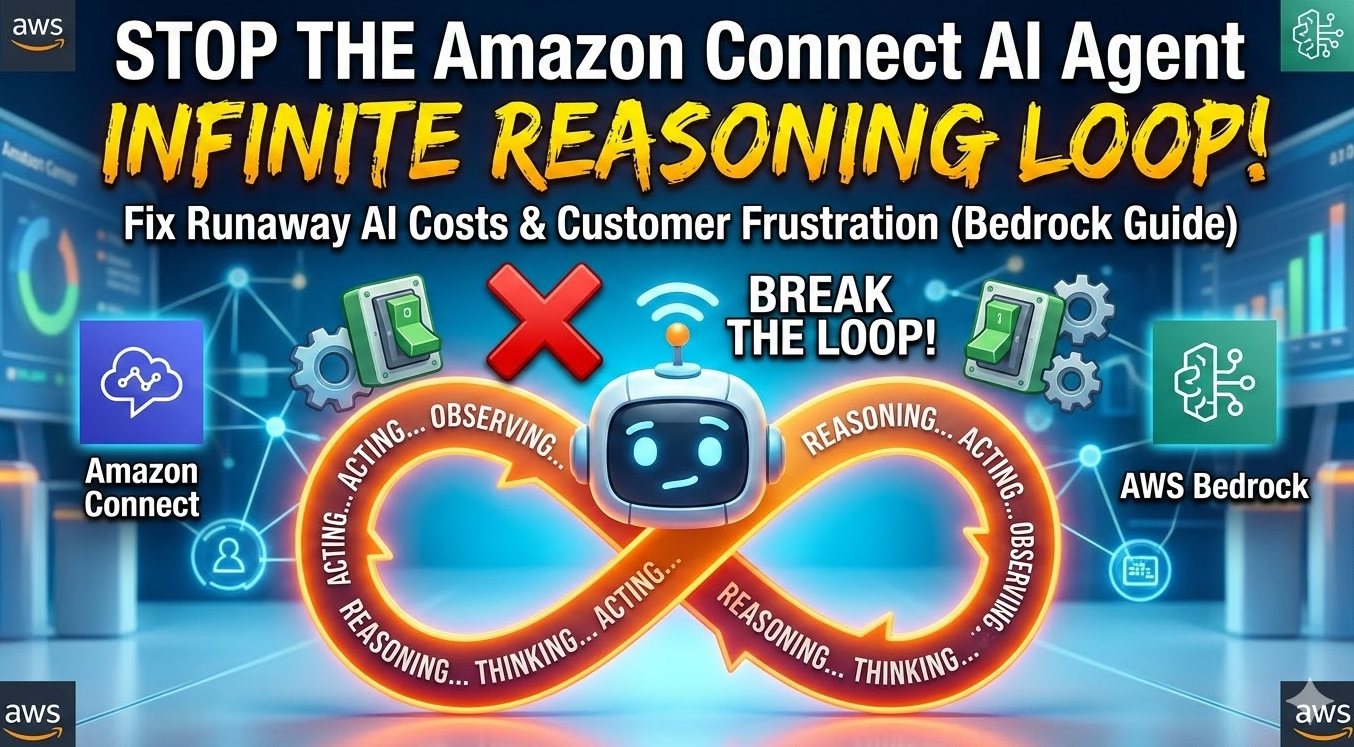
Amazon Connect AI Agent infinite reasoning loop – In the era of Agentic AI, Amazon Connect has evolved from a simple IVR to a sophisticated powerhouse capable of autonomous problem-solving. However, with great autonomy comes the risk of the “Reasoning Loop.”
An Amazon Connect AI Agent infinite reasoning loop occurs when your AI agent—typically powered by Amazon Bedrock—enters a cyclical “Think-Act-Observe” pattern without ever reaching a final response. This doesn’t just frustrate your customers; it can lead to a significant spike in token consumption costs and Connect telephony charges.
In this guide, we will break down why these loops happen and how to implement architectural “circuit breakers” to keep your cloud infrastructure in mint condition.
What is a Reasoning Loop in Amazon Connect?
Most modern AI agents in Amazon Connect utilize the ReAct (Reasoning and Acting) framework. The process follows a logical flow:
- Thought: The agent determines what it needs to do.
- Action: The agent calls a tool (e.g., an AWS Lambda function via an Action Group).
- Observation: The agent looks at the tool output and decides if the task is complete.
An infinite reasoning loop happens when the “Observation” phase consistently fails to satisfy the agent’s “Thought” process, leading it to call the same tool repeatedly. According to recent industry benchmarks, poorly optimized agentic workflows can see a 30% increase in unnecessary API overhead due to redundant reasoning steps.
Common Root Causes of AI Loops
1. Malformed Tool Schemas (JSON/MCP)
If your Model Context Protocol (MCP) or Action Group schema is ambiguous, the agent may not understand the data it receives. If the model expects a string but receives a complex nested object, it might “think” the tool failed and try again.
2. Contradictory System Prompts
If your prompt says “Never end the call without a resolution” but the tool returns “Data Not Found,” the agent enters a logical paradox. It cannot find the data, but it is forbidden from stopping.
3. Tool Output Verbosity
When an AWS Lambda function returns a massive payload (over 25k tokens), the agent may lose the “contextual thread,” leading it to restart the reasoning cycle from the beginning.
Technical Fixes for the Amazon Connect AI Agent Infinite Reasoning Loop
Step 1: Implement maxIterations in Bedrock Agents
While Amazon Bedrock manages much of the orchestration, you should explicitly handle session timeouts within your Connect Contact Flow.
Best Practice: Set a “Max Loops” counter using Set Contact Attributes. If the agent invokes the same Lambda function more than 3 times in a single session, route the call to a human agent immediately.
Step 2: Validate Your Tool Response Schema
Ensure your Action Groups return a clear “Status” field. Below is an example of a robust JSON response from a Lambda function designed to break a loop:
JSON
{
    "version": "1.0",
    "response": {
        "actionGroup": "OrderLookup",
        "apiPath": "/get-order",
        "httpMethod": "GET",
        "httpStatusCode": 200,
        "responseBody": {
            "application/json": {
                "body": {
                    "status": "SUCCESS",
                    "order_id": "12345",
                    "delivery_date": "2026-03-12",
                    "note": "Final data provided. No further tool calls needed."
                }
            }
        }
    }
}
Step 3: Use “Negative Constraints” in Prompt Engineering
To prevent an Amazon Connect AI Agent infinite reasoning loop, use explicit instructions in your System Prompt:
- “If a tool returns ‘Not Found’ twice, inform the customer and offer a transfer.”
- “Do not attempt to call the ‘InventoryAPI’ more than once per user query.”
Architecture Diagram: The Circuit Breaker Pattern
To maintain high-level design (HLD) standards, your architecture should look like this:
- Customer Call $\rightarrow$ Amazon Connect.
- Connect Flow $\rightarrow$ Invoke Amazon Bedrock Agent.
- Bedrock Agent $\rightarrow$ calls AWS Lambda.
- Lambda checks DynamoDB $\rightarrow$ Returns result.
- Validation Layer: If result is null, Lambda returns a “Terminal Error” code to force the Agent to stop.
Best Practices for Technical Decision Makers
- Monitor Amazon CloudWatch Metrics: Track the
InvocationCountof your Bedrock Action Groups. A sudden spike relative to call volume is a hallmark of a reasoning loop. - Enable Guardrails for Amazon Bedrock: Use content filters to identify repetitive patterns in model output.
- Token Budgeting: Implement session-level token limits to prevent runaway costs during a loop event.
Conclusion
The Amazon Connect AI Agent infinite reasoning loop is a hurdle, but not a dealbreaker for AI adoption. By refining your tool schemas, implementing strict prompt logic, and monitoring your AWS environment, you can ensure your AI agents remain efficient and cost-effective.
Need help auditing your AWS Cloud Architecture? Ensure your contact center is optimized for the next generation of AI.
Contact us today to optimize your Amazon Connect flows!
FAQ: Amazon Connect AI Loops
Q1: How do I know if my AI agent is in a reasoning loop?
You will see high “Thinking” times in the Amazon Connect Contact Control Panel (CCP) and multiple identical log entries in CloudWatch for the same session ID.
Q2: Does AWS charge for infinite loops?
Yes. You are charged for every token processed by Amazon Bedrock and every second of the Amazon Connect voice/chat session. This is why “circuit breakers” are essential.
Q3: Can a “Max Tokens” setting stop a loop?
It will stop the specific response, but it won’t stop the agent from trying a new reasoning step in the same session. You must address the logic of the loop, not just the length of the response.
Also Check – The Amazon Connect 503 Survival Guide: Taming the Peak Volume Beast